DO NOT MIND THE TEXT HERE THIS IS A PLACEHOLDER! WILL BE UPDATED SOON!!!
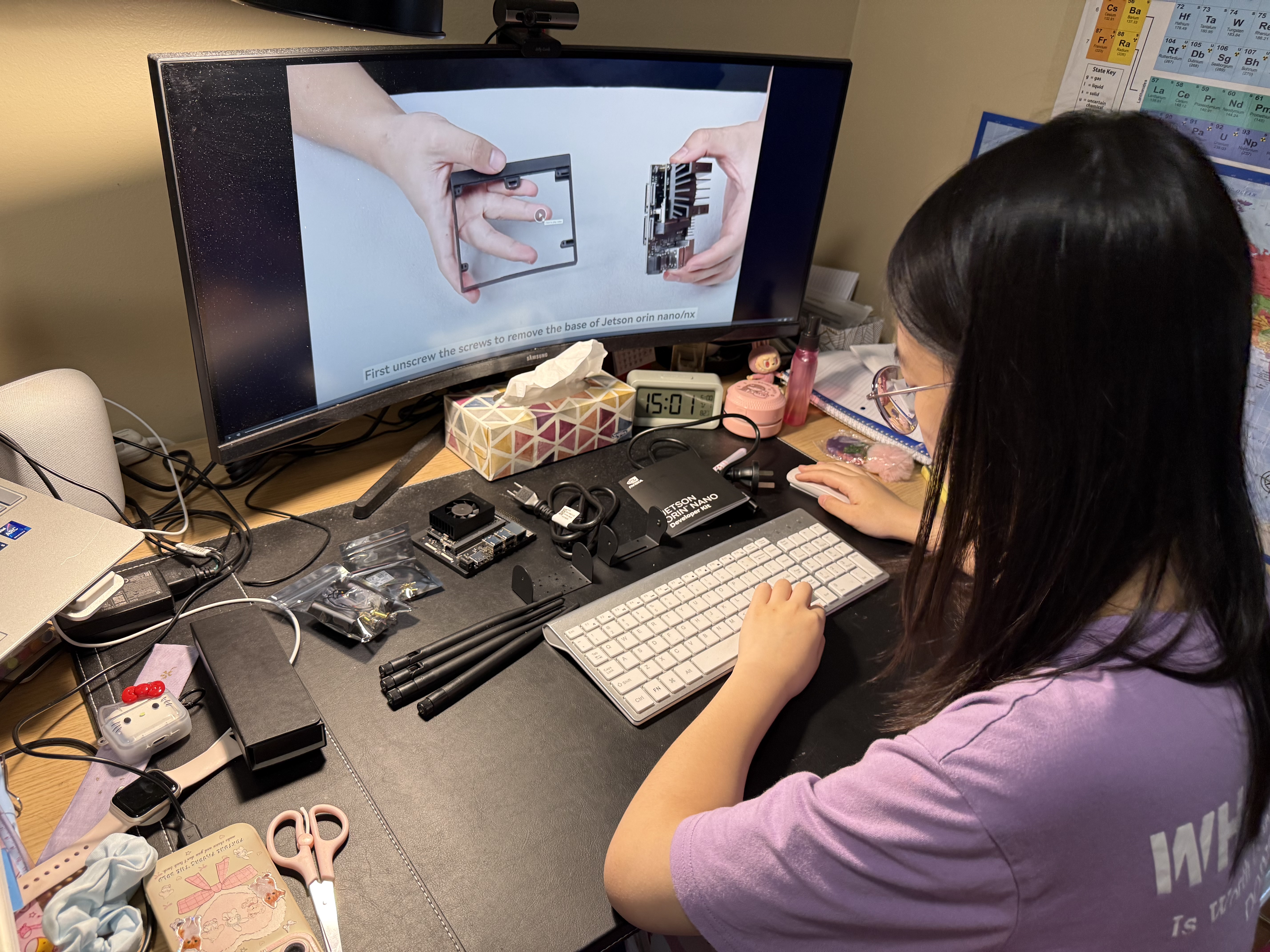
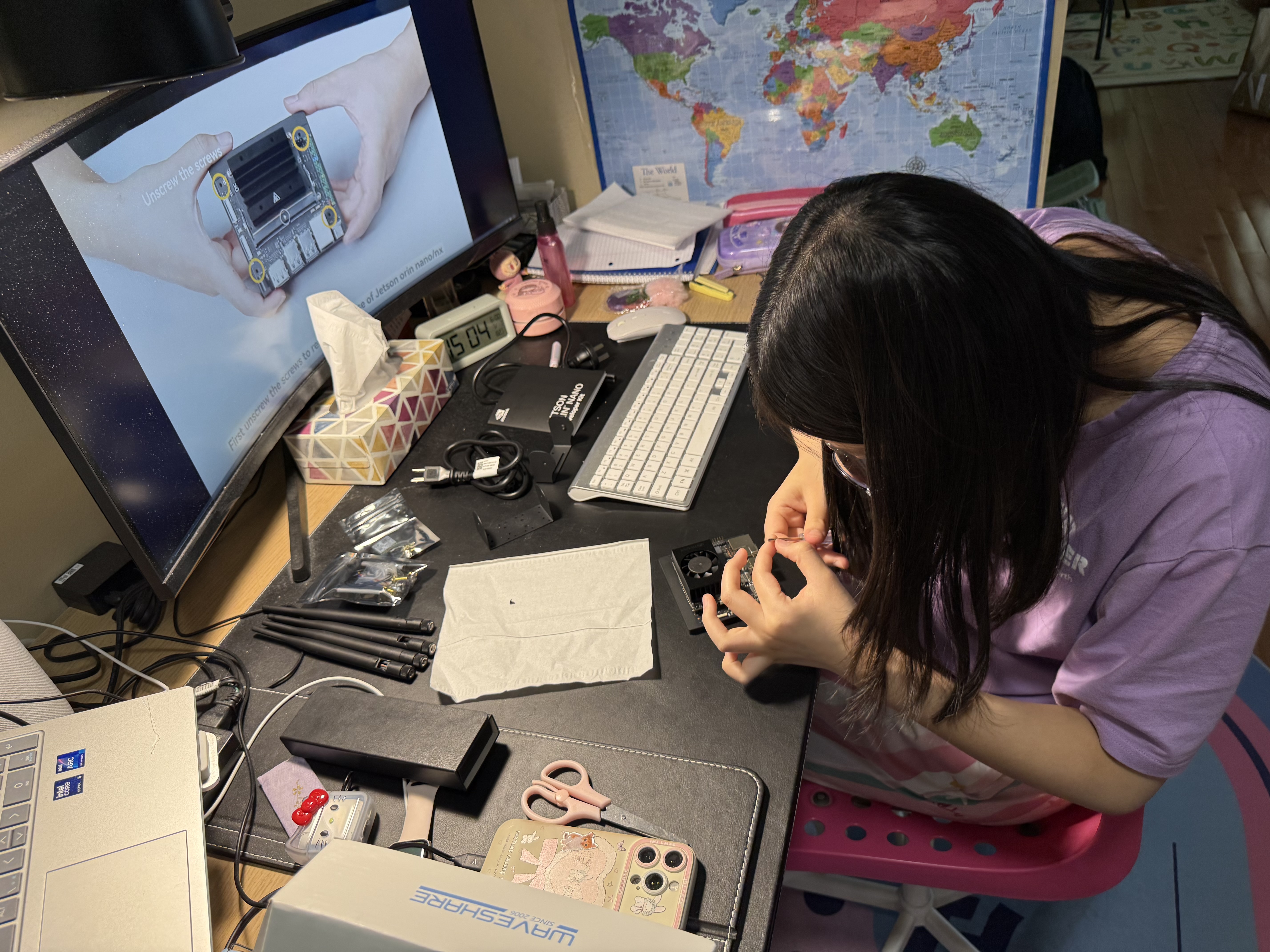
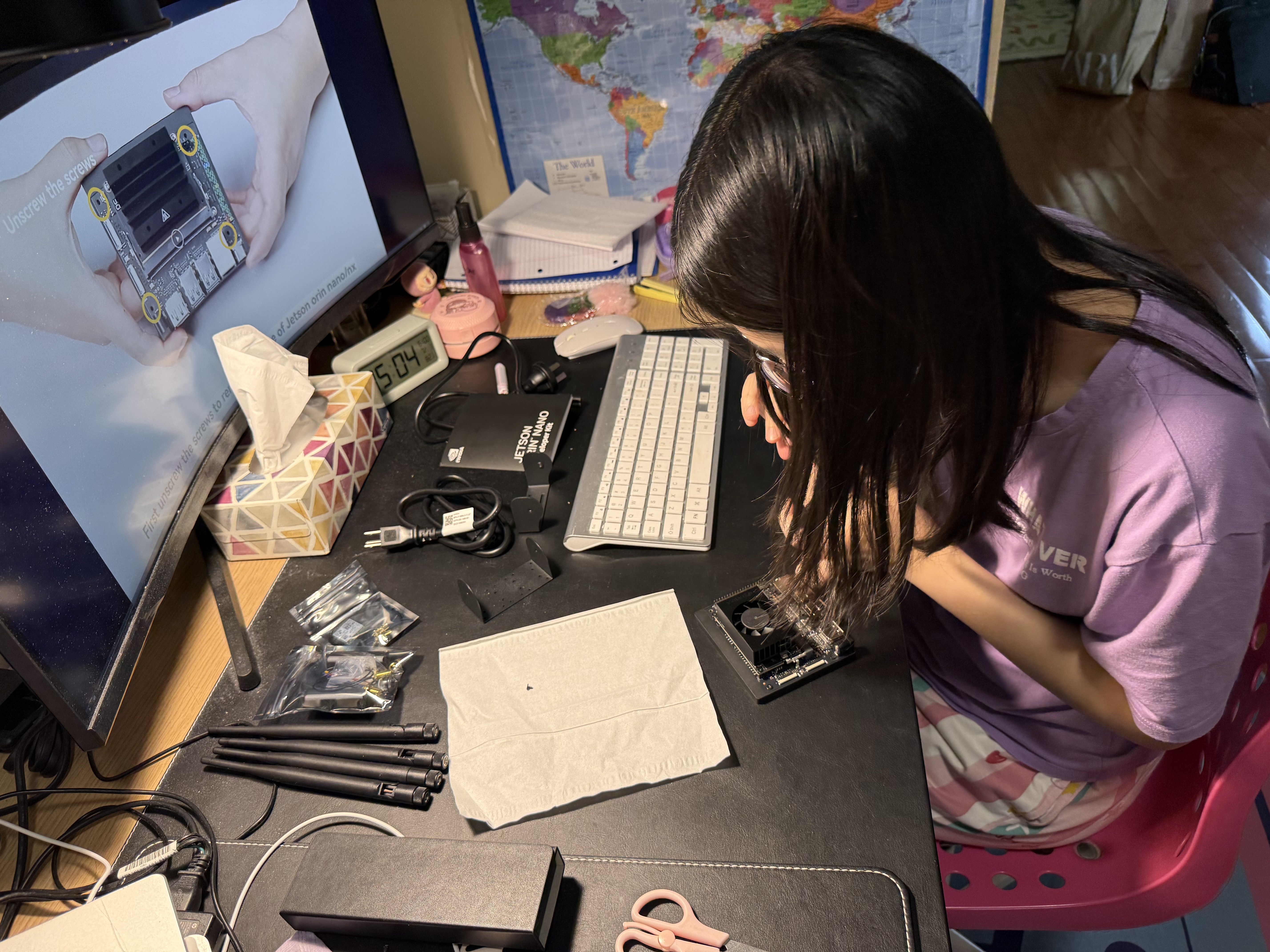
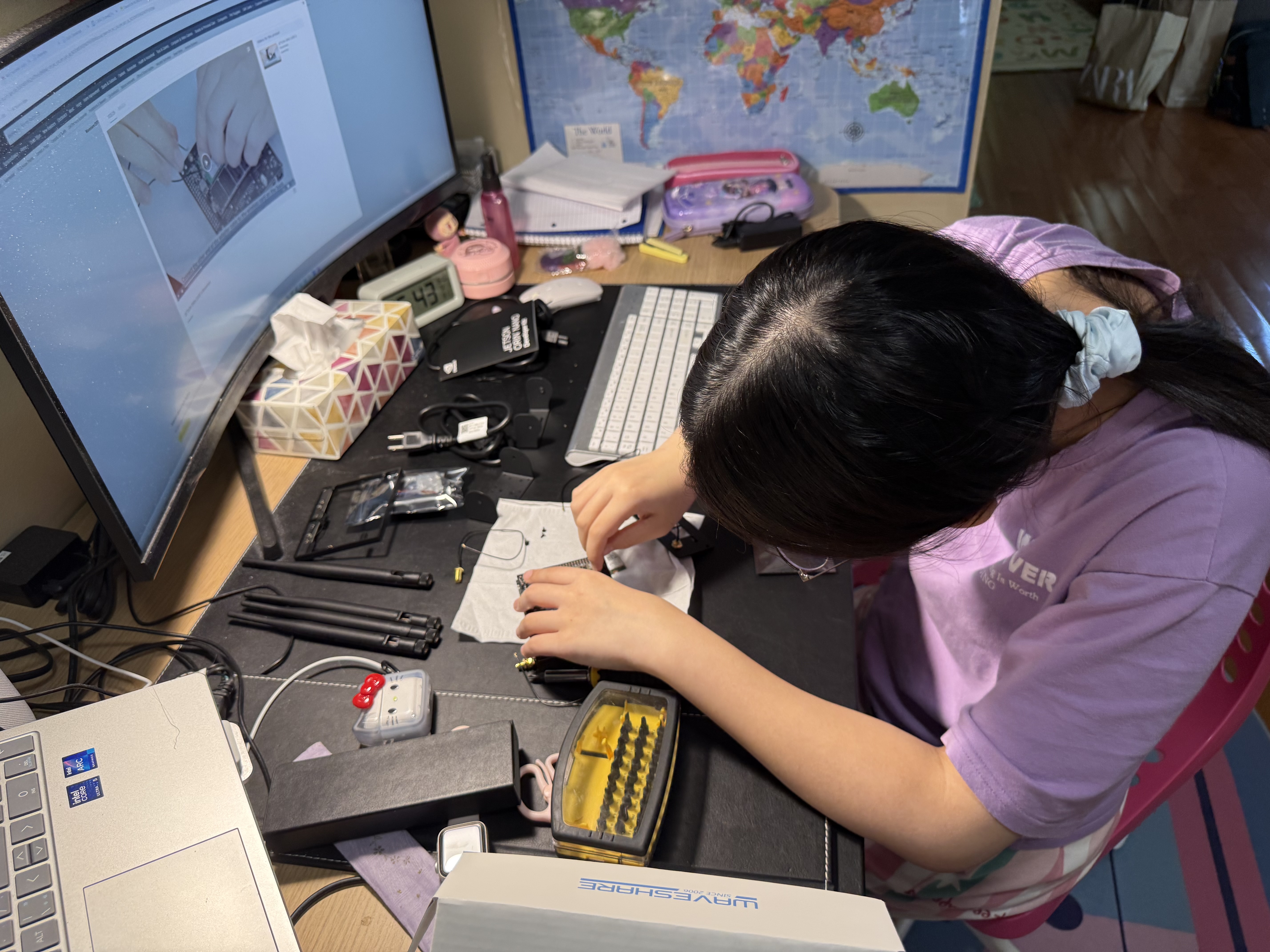
I've been getting more and more into hardware and AI over the past few months, and my latest project is building an AI-powered system from the ground up using the NVIDIA Jetson Orin Nano. This is going to be an ongoing series documenting the build process, from assembly and software setup to deploying real-time AI models on the edge.
The Jetson Orin Nano is a compact, powerful compute module designed for AI and robotics applications. It packs 10 TOPS of compute power into a small form factor — making it perfect for edge computing projects where latency and power efficiency matter.
So far, I've assembled the basic hardware setup and gotten the developer kit running. The next steps involve flashing the OS, setting up my development environment, and starting to explore computer vision models.
What makes the Jetson special is its ability to run AI models locally — meaning it can process camera feeds, run object detection, and even power a robot's decision-making without needing an internet connection. For this project, I'm planning to use it as the "brain" of a mobile system that can navigate and interact with its environment in real-time.
If you're curious about the Jetson or similar dev kits, I'd recommend checking out the NVIDIA Jetson developer portal and their documentation — it's a great starting point. There's also a ton of tutorials on YouTube and blogs from people who've built similar projects. Don't be afraid to dig into forums like the NVIDIA Developer Forums — the community is super helpful when you're just starting out.
More updates coming as the build progresses.